
Every work laptop in a company behaves suspiciously alike. Same screen lock timing, same password rules, same wallpaper at some companies, same settings pages that are mysteriously grayed out. Nobody walked around configuring each machine. Something did it centrally, and in a Windows company that something is Group Policy.
For a help desk tech, Group Policy matters for one big reason: until you know it exists, a healthy chunk of your tickets look like ghosts.
Settings with a chain of command
Group Policy is the enforcement arm of Active Directory. Administrators bundle settings into Group Policy Objects, GPOs, and attach them to the directory: to the whole domain, to departments, to specific groups of users or computers. When a machine starts up or a user signs in, Windows collects every policy that applies to them and enforces the lot, then re-checks on a refresh cycle every hour or two.
The range of what rides in a GPO is wide. Password complexity and expiry. Screen lock after ten minutes. Drive letters mapped to department shares. Which software installs, which settings pages open, which USB devices mount, what the firewall allows. If the company decided it, policy delivers it, to five machines or five thousand, identically.
This is also the honest answer to a philosophical user question you will field often: “why won’t IT just let me change this on my own laptop?” Because it is not, in the sense that matters, their laptop. The settings encode decisions, security, legal, sometimes hard-won incident lessons, and policy is how those decisions survive contact with ten thousand individually creative users.
The ghost tickets
Here is where Group Policy earns its place in your head. A user changes a setting, and twenty minutes later it has changed back. They change it again. It reverts again. The ticket arrives titled “my computer is haunted,” or the modern equivalent, and a tech who has never heard of policy refresh will chase that ghost for an hour, maybe reinstall something, maybe blame an update.
The tell is the pattern: a setting that reverts on a rhythm, an option grayed out with a note that it is “managed by your organization,” a change that survives until sign-out and no further. None of that is breakage. That is policy doing its job on a schedule, and the correct response is not a fix but an explanation, or, when the user has a legitimate need, an escalation asking for the policy to be adjusted for their case. Recognizing enforced-by-design in one minute instead of sixty is one of those quiet competence markers, the on-premises twin of spotting a conditional access block in the cloud.
The two commands you get to use
Tier 1 rarely edits policy, for the sensible reason that a wrong edit lands on every machine it targets at once. But two read-and-refresh commands are standard first-line tools.
gpupdate /force tells a machine to stop waiting for the refresh cycle and pull its policies now. Its classic use case is the fresh change that has not arrived: tier 3 fixed the policy, the user is still blocked, and a forced refresh plus sign-out beats waiting ninety minutes to find out whether the fix worked.
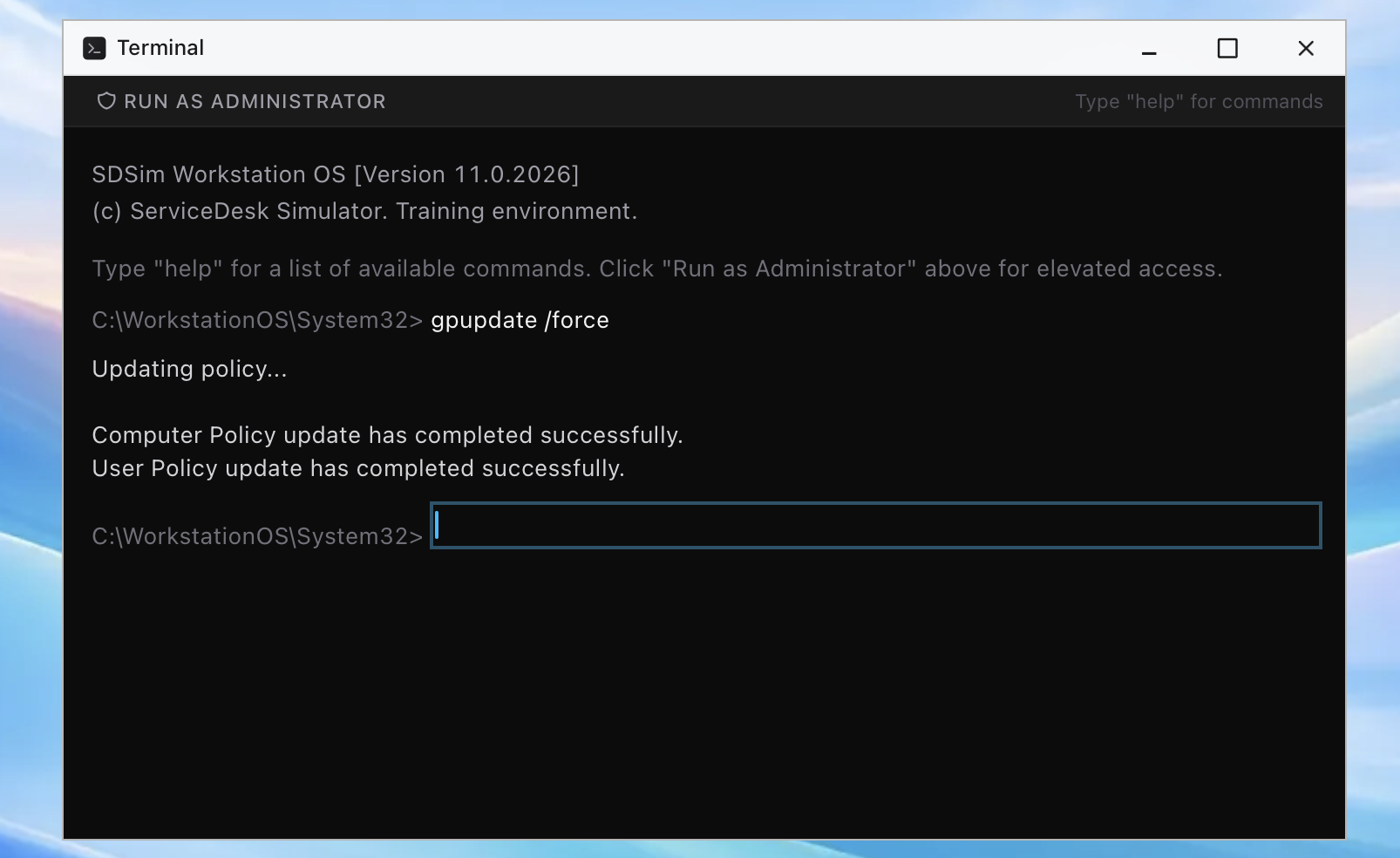
gpresult is the diagnostic half, a report of which policies actually applied to this machine and this user. When the question is “did the drive-mapping policy reach this laptop or not,” gpresult answers it with evidence instead of vibes, and pasting that evidence into the ticket is exactly the kind of escalation note that makes the next tier take your tickets seriously.
Where policy fits in the bigger picture
Group Policy is the on-premises way of enforcing settings, and its cloud sibling is Intune, which pushes configuration to devices over the internet instead of through the domain. Hybrid companies run both, which occasionally produces the truly cursed ticket where two management systems disagree about one setting. Diagnosing that one is above tier 1’s pay grade; recognizing it, and saying so in the ticket, is not.
The practical foundation underneath all of it is the same directory work every identity ticket runs on: knowing how users, machines, and groups relate, because policies target exactly those objects. That is practice you can get before anyone hires you. The ServiceDesk Simulator gives you the working directory, live accounts, group membership and all, that policy questions are built from, so when a ghost ticket lands in your first month, you will recognize the haunting for what it is: a setting, with a chain of command, doing exactly what it was told.