
Every IT job posting mentions them. Tier 1, tier 2, sometimes tier 3, occasionally dressed up as L1 and L2. Nobody explains them in the posting, because inside the industry everyone already knows. If you are trying to get in from outside, here is the actual picture.
Tiers are about scope, not talent
The first thing to get straight: the tiers are not a ranking of how smart people are. They are a way of routing work so that expensive specialists do not spend their day resetting passwords.
Tier 1 owns first contact. Tier 2 owns the problems tier 1 could not close. Tier 3 owns the systems themselves. A great tier 1 tech is not a failed tier 3 engineer, they are doing a different job, and desks fall apart when either end of that chain is weak.
Tier 1, the front line
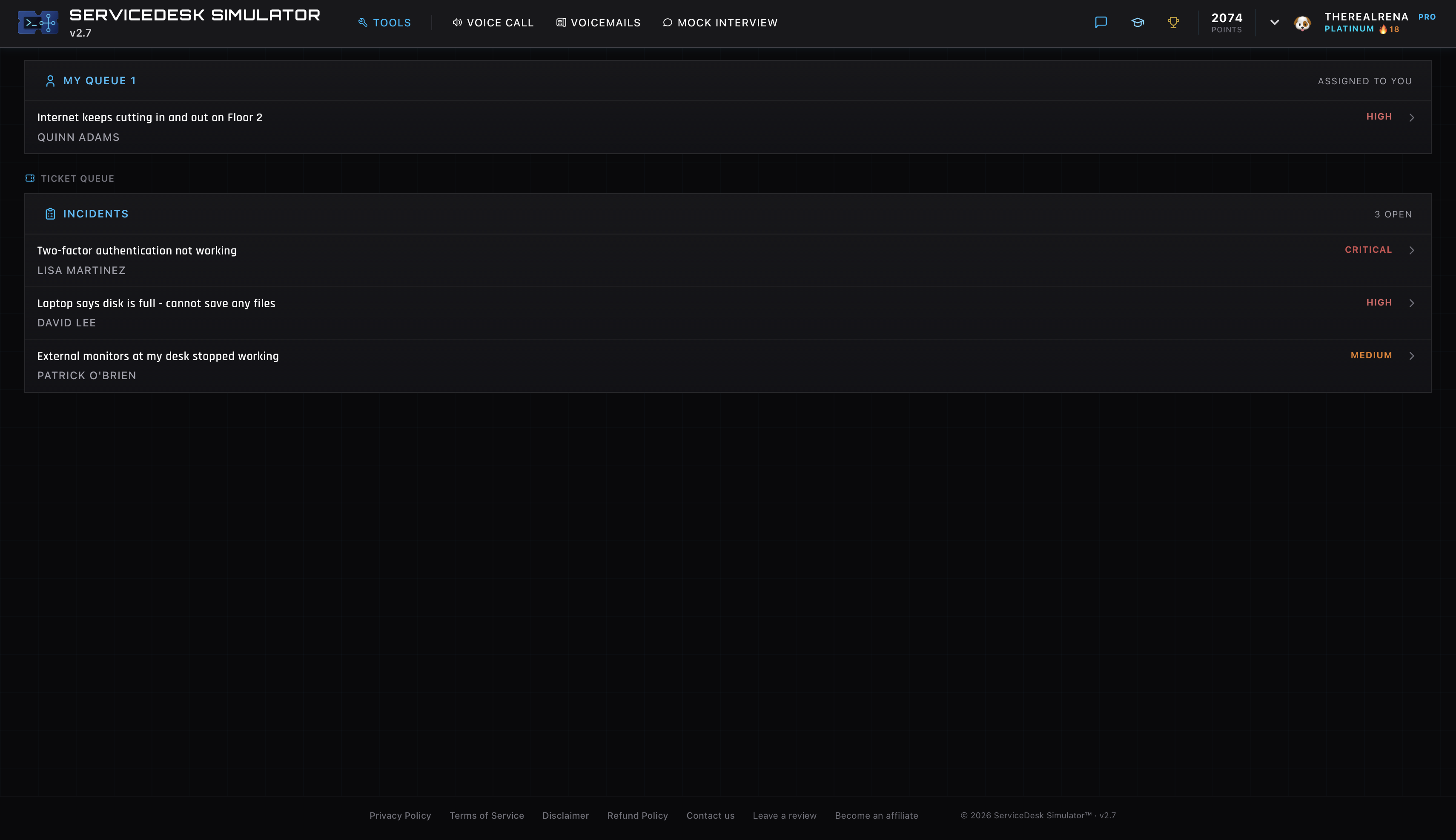
Tier 1 is where the phone rings. You take the call or the chat, make the ticket, and fix what can be fixed on the spot. In practice that means passwords and lockouts, printers, “my computer is slow,” email quirks, VPN questions, and a hundred variations of “it was working yesterday.”
The skill that defines good tier 1 is triage, not depth. You figure out what is actually wrong from a vague description, fix the majority of it yourself, and recognize the minority that needs to move up. A tier 1 tech who closes seventy percent of tickets at first contact is worth a lot of money to a company, and hiring managers know exactly who those people are.
Tier 2, the second pair of hands
When a ticket beats tier 1, it goes to tier 2, sometimes called desktop support or deskside. These are the people who handle the recurring crash nobody can explain, the application that breaks only for one department, the machine that needs a rebuild, the deployment and imaging work. At smaller companies tier 2 also walks to your desk, which is where the “deskside” name comes from.
Tier 2 techs usually came from tier 1. That matters for you, because it means the job you are applying for is not a dead end, it is the first rung of a ladder people genuinely climb. The help desk to sysadmin path runs straight through these tiers.
Tier 3, the people who own the systems
Tier 3 is where support blends into engineering. Server administrators, network engineers, security teams, the people with admin rights to the systems everyone else only files tickets about. When the same VPN error hits forty users at once, tier 1 works the phones, but tier 3 fixes the VPN.
You will not start here, and that is fine. What you should know is that tier 3 time is the most expensive time in the building, which is exactly why the escalation chain exists. Every ticket tier 1 closes is a ticket that never interrupts an engineer.
How to escalate without making enemies
Escalation is where new techs quietly build or wreck their reputation. The rule is simple: escalate the ticket in a state you would want to receive it.

That means the ticket says what the user reported, in their words. What you tried. What you ruled out. The exact error text, not “some error came up.” The machine name and the account. An escalation like that gets picked up fast and makes tier 2 like you. An escalation that says “user has issue, please fix” makes the next tier redo your work, and they remember whose name was on it.
The other half of the rule: escalate at the right moment. Passing up a ticket you could have closed with ten more minutes of effort looks lazy. Sitting on a ticket for two days out of pride looks worse. When you have genuinely run out of ideas and the ticket notes prove it, send it up. Nobody faults that.
Practicing the tier 1 job itself
Reading about triage is one thing. Doing it with a caller on the line is another. The ServiceDesk Simulator drops you into the tier 1 seat with a live queue, callers who describe problems the way real users do, and an escalate button for the tickets that are genuinely beyond first-line tools. Working out which tickets to close and which to send up is the exact judgment interviewers probe for, and it is much easier to talk about when you have actually done it.