
For twenty years, “the directory” meant a server down the hall running Active Directory. That world is not gone, but it grew a cloud half, and job postings now drop names like Entra ID and Intune as casually as they once said AD. If those names are fuzzy, this is the plain-language version.
Entra ID, the directory that lives in Microsoft’s cloud
Microsoft Entra ID is a directory of user accounts, just like AD, except it runs in Microsoft’s cloud instead of on a company server. When someone signs into Outlook on the web, Teams, or any Microsoft 365 app, Entra ID is what checks their password and decides whether to let them in.
One naming thing will save you confusion: Entra ID is the product formerly called Azure Active Directory, or Azure AD. Microsoft renamed it in 2023. Half the documentation on the internet and most of your future coworkers still say Azure AD, so treat the two names as the same thing, because they are.
The day-to-day difference from classic AD shows up in where problems land. Sign-in troubles with cloud apps, MFA prompts and resets, and “your sign-in was blocked” messages are Entra territory. That last one deserves a mention: Entra enforces rules called conditional access, which can block a sign-in because it comes from a strange country, an unmanaged device, or an app the company forbids. To the user it looks broken. It is actually policy, and recognizing that saves you from troubleshooting a “bug” that is working exactly as designed.
Hybrid, or why you will deal with both
Most established companies did not throw out their on-prem AD when the cloud arrived. They connected the two, syncing accounts from the local directory up to Entra ID so that one password works everywhere. This is hybrid identity, and it is the messy, common reality you will actually work in.
The tier 1 relevance is simple but sharp: in a hybrid setup, where you reset a password matters. Reset it in the wrong place and it may not sync, and now the user has one password for their laptop and another for their email, and their next ticket is angrier than the first. Every desk running hybrid has a known correct procedure for this. Your job on day one is not to design it, just to learn it and ask which side is the source of truth.
Intune, management without the office
Intune answers a different question: not “who are you” but “what is on your device, and is it safe.”
It is Microsoft’s cloud device management service. IT enrolls company laptops and phones into it, and from then on can push apps and settings, require encryption and screen locks, check that antivirus and updates are in place, and wipe a device remotely when it is lost or its owner leaves. The point is reach. A company laptop in someone’s kitchen three time zones away is managed just as tightly as one plugged in at headquarters, with no office visit involved.
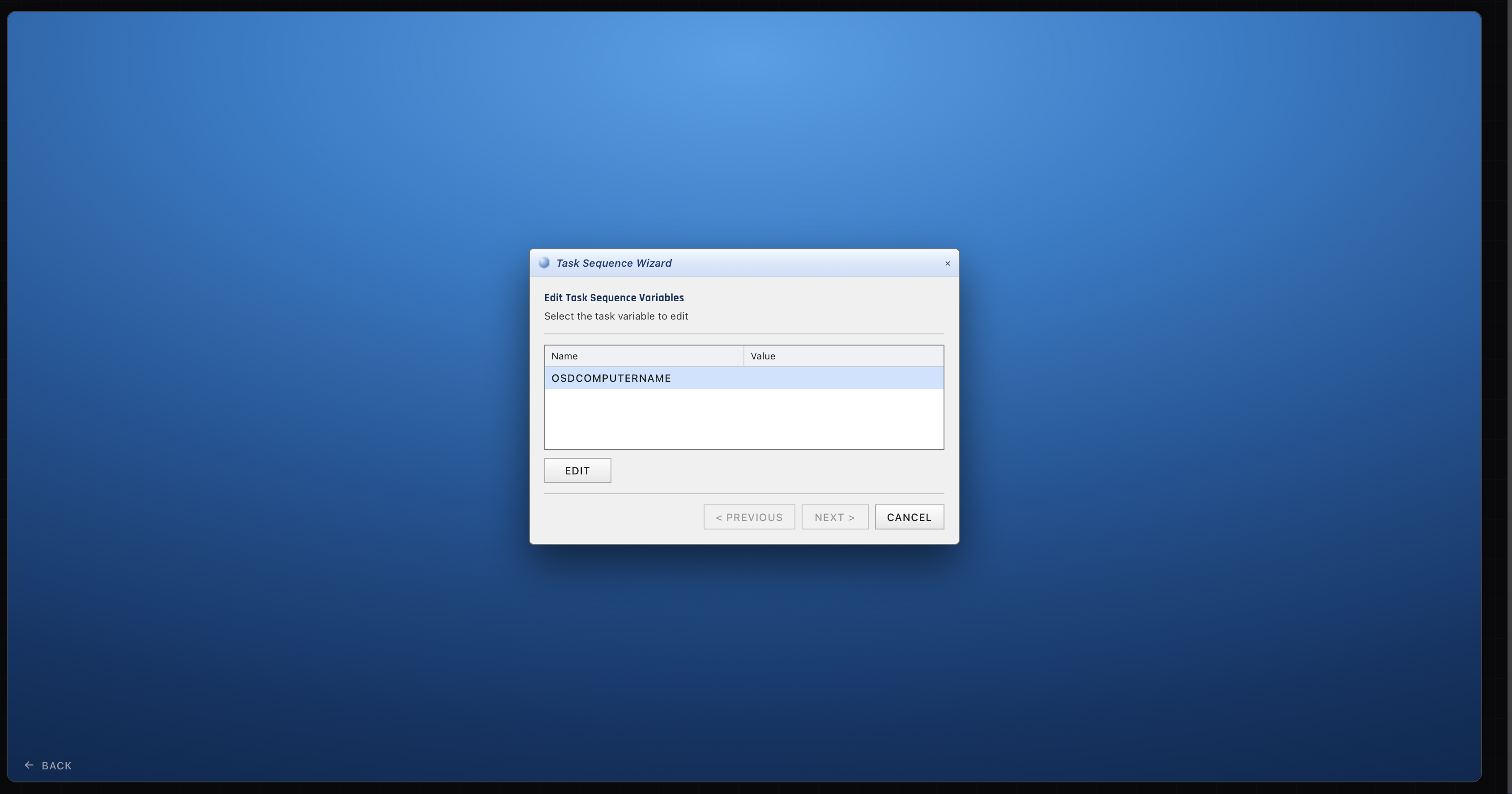
Intune also changed how new machines get set up. The traditional way to prepare a laptop is imaging it with SCCM before it ships. The cloud-era alternative is Windows Autopilot: the laptop ships straight to the employee, they sign in with their company account on first boot, and Entra ID plus Intune configure it over the internet, no IT hands ever touching the box. Plenty of companies now run both methods side by side, imaging for some machines and Autopilot for others.
What this means for your first job
Nobody expects a tier 1 candidate to administer conditional access policies. What sets you apart is knowing which tool owns which problem, because half of troubleshooting is looking in the right place. Email sign-in blocked, MFA loop, “compliance” warnings on a laptop: cloud side. Domain login at the office, group membership on a file share: classic AD. Password reset: depends on the hybrid setup, so ask.
Being able to say that much, calmly, in an interview signals something hiring managers rarely see at entry level: you understand the shape of a modern environment, not just the vocabulary. Pair that with hands-on ticket practice in the ServiceDesk Simulator, where identity work, deployments, and the resulting user calls are the daily material, and the cloud half of the job stops being the intimidating part.