
Half the people who call a help desk from home open the same way. “I can’t get to the shared drive.” Nine times out of ten the fix lives in one place, and it is their VPN.
What a VPN actually does
A VPN, short for virtual private network, builds an encrypted tunnel between someone’s computer and the company network. Once that tunnel is up, their laptop behaves as if it were plugged in at the office. They can reach internal servers, shared drives, and the apps a company keeps off the public internet. Drop the tunnel and all of that vanishes, even though their home Wi-Fi is working fine.
That gap is the source of most VPN tickets. The internet is up, so the user assumes everything should work, but the company resources sit behind the VPN and the VPN is not connected.
The brands you will meet
Some companies use the VPN client built into Windows. Plenty of others run a dedicated product. Cisco AnyConnect, now branded Cisco Secure Client, is everywhere in larger firms. Palo Alto GlobalProtect, Fortinet FortiClient, and Zscaler turn up a lot too. They look different from each other, but the support pattern barely changes. Check that the client is running, check that the user signed in, check that any second-factor prompt got approved, and confirm the tunnel actually came up.
Why MFA is usually part of the story
Most corporate VPNs ask for a second factor when you connect, a code or a phone tap on top of the password. A real share of “the VPN won’t connect” tickets are actually “the user ignored the approval prompt on their phone,” or “their authenticator is on a handset they replaced last week.” VPN problems and MFA problems overlap constantly, so learning one drags in the other.
What you do on the ticket
The loop is short. Confirm the home internet works at all, because you cannot tunnel over a dead connection. Make sure the client is open and the user is signed in. Watch for a stalled second-factor prompt. Disconnect and reconnect, which clears a surprising number of these on its own. If it still fails, you move on to the account, the client version, or an outage on the VPN gateway itself.
Getting reps before the calls are real
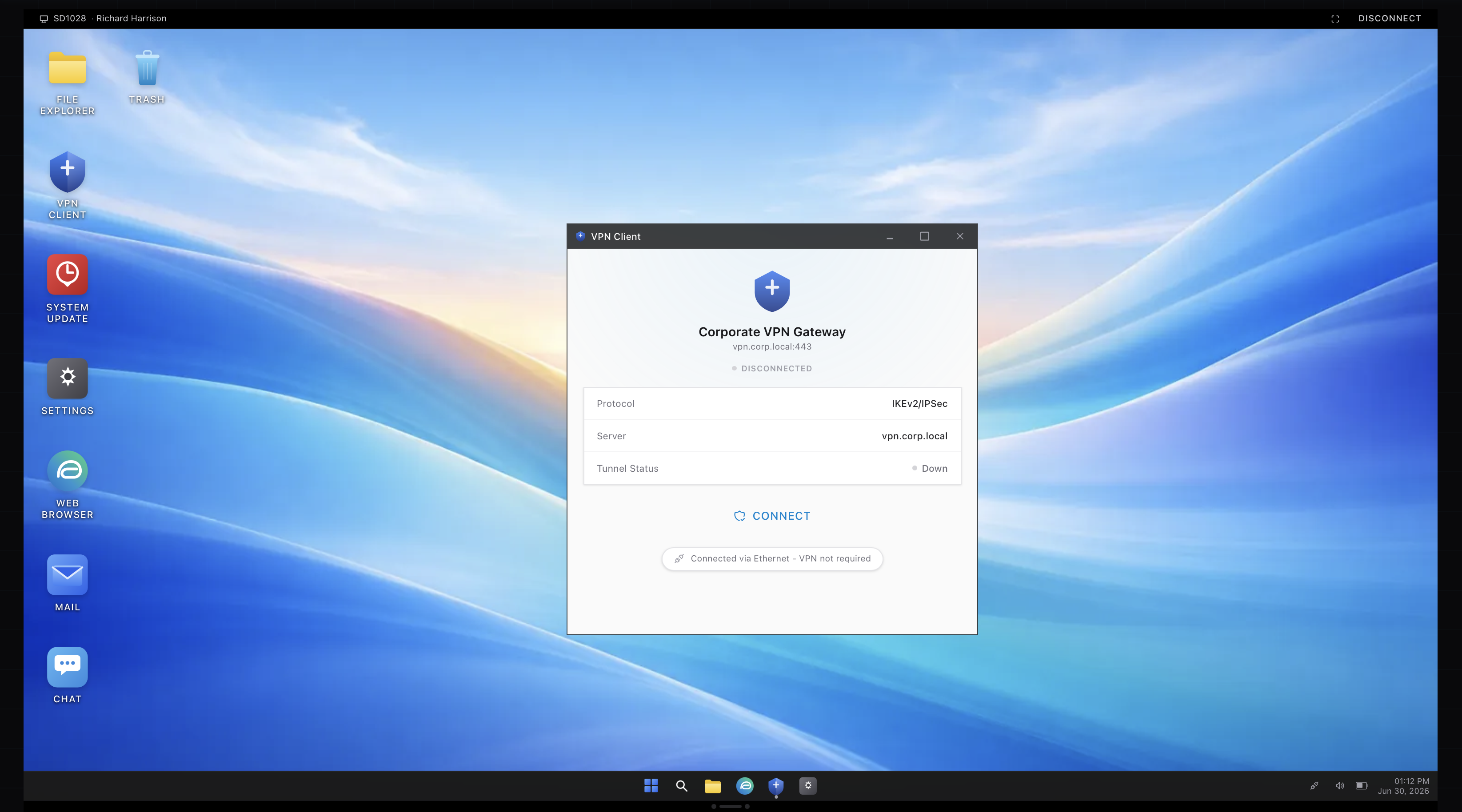
You cannot practice this on your own laptop, because there is no corporate VPN at home to connect to. In the simulator, a remote worker’s VPN keeps dropping and you have to walk it back to a working connection, second factor and all. The client shown above is from that scenario. Run it a few times and the home-worker calls stop being a guessing game.