
Virus tickets arrive pre-loaded with fear. Movies taught everyone that malware means stolen bank accounts and melting screens, so the caller who found a strange toolbar is already imagining the worst. The help desk’s actual job splits in two: figure out which kind of ticket this really is, because about half of them contain no malware at all, and handle both kinds without either panic or dismissal.
The imposter: scareware and the fake support popup
Start with the fake, because it is the one with a script that must be followed. A user browsing something innocent gets a full-screen alarm: VIRUS DETECTED, flashing red, maybe a robotic voice, always a phone number for “Microsoft Support.” It looks official and terrifying. It is a web page. A noisy, malicious advertisement, with no more access to the machine than any other browser tab, and closing the browser ends it, force-closing if the page has disabled its own close button, which the nastier ones do.
The page was never the real danger. The phone number is. On the other end is a scam call center that will remote into the machine, invent problems, and charge hundreds of dollars in gift cards to fix nothing, and these operations extract staggering amounts of money from ordinary people every year. So the ticket has two jobs: clear the popup, and then say the quiet part clearly. Nobody legitimate cold-calls about viruses. No real company takes payment in gift cards. If the user already called the number and let someone in, the ticket just changed species, and the machine and their accounts now get the full compromise treatment.
Never mock the near-miss, incidentally. The user who almost called that number and asked IT first did exactly the right thing, and the way you respond decides whether they ask first next time too.
The real thing: what infection actually looks like
Genuine malware today is quieter than its reputation, because it wants to stay. It is harvesting something or waiting as a foothold, and drama would get it caught. The tells are subtler: a browser whose homepage or search engine keeps changing itself back, extensions and toolbars nobody installed, antivirus that turns out to have been silently disabled, a machine suddenly and persistently slow, popups appearing with no browser open, or the security scan that flags on schedule.
How did it get in? Usually one of the boring doors: a phishing attachment, a “free” download bundling extras, a fake update, a cracked game on a machine that also does the banking. Knowing the door matters less for blame than for prevention, since the ticket is not really closed while the habit that opened it continues.
What removal actually involves
The desk’s response runs on a simple ladder. First, contain: on a corporate network, a machine suspected of real infection gets isolated so whatever it has stays put. Then confirm: full scans with the company’s endpoint protection, which either names the guest or clears the machine.
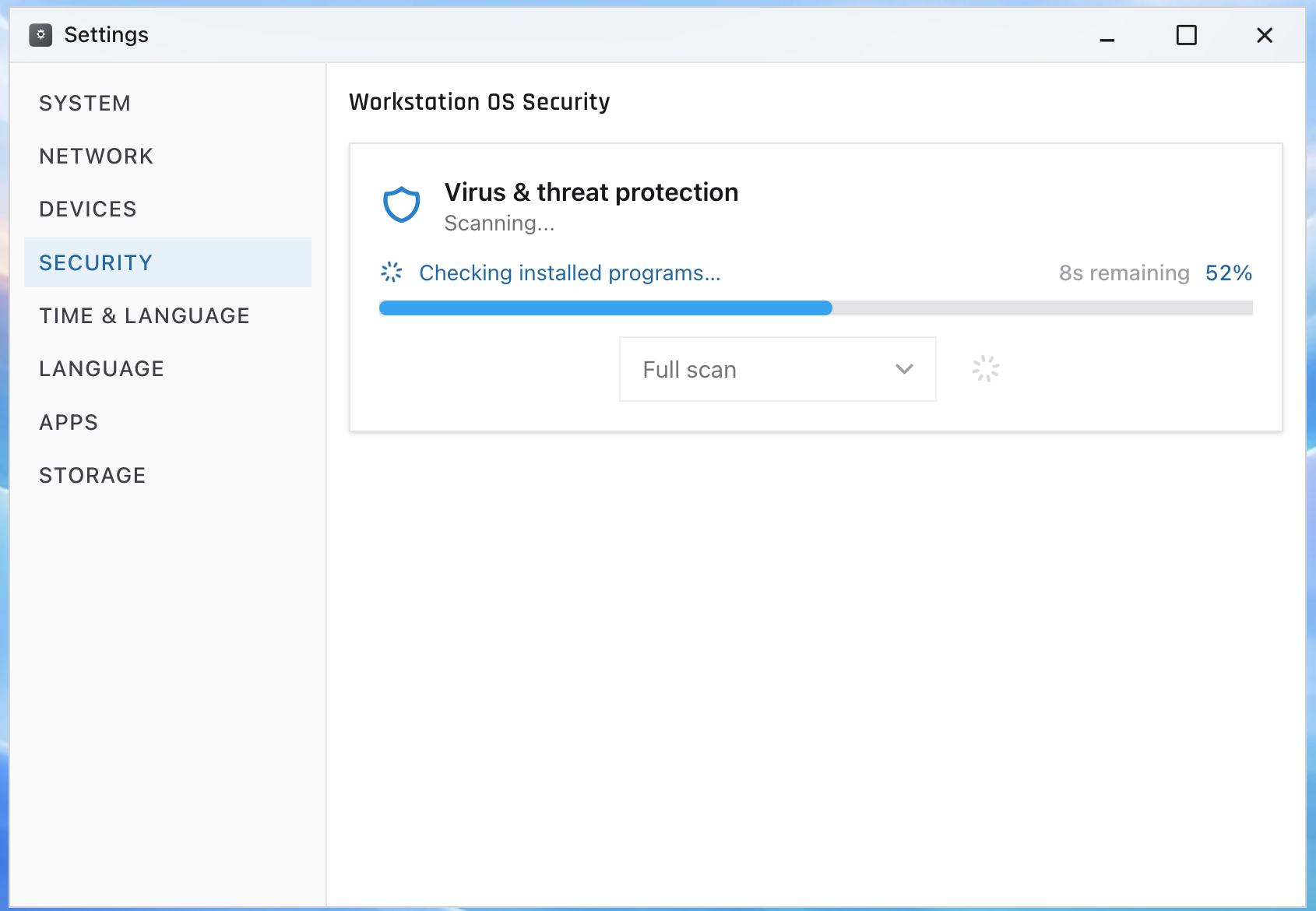
The judgment call sits above that, and it is the part beginners underestimate. Disinfection proves what it removed. It cannot prove what it missed, and for anything serious, anything with system-level access, anything that touched credentials, and ransomware always, the professional answer is the one that removes doubt: wipe the machine and reimage it from the standard build. Users hear that as drastic. It is usually faster than a thorough disinfection attempt, and it is the only outcome you can certify. Files live in OneDrive and shares precisely so that a reimage costs an afternoon, not a decade of work. And any malware that plausibly saw passwords means resets and an MFA check ride along with the rebuild.
Tier 1’s slice of all this varies by company, with real infections often escalating to security fast. What stays at tier 1 everywhere is the front half: recognizing which species of ticket arrived, containing the real ones, defusing the fake ones, and writing down symptoms, scan results, and timeline so whoever acts next moves immediately.
The reflex worth training
Notice the pattern across both halves: the skill is classification before action. Popup or process? Adware or foothold? Clean, disinfect, or rebuild? The ServiceDesk Simulator puts infected and merely-scary machines in the same queue, security scans and all, so the sorting reflex gets built where a wrong guess costs a retry instead of a client’s Tuesday. The fear on these calls is real even when the virus is not, and a tech who has seen both, calmly, many times, is the antidote the caller was actually hoping to reach.