
A password on its own is one locked door. Multi-factor authentication adds a second one, so a stolen password is not enough to get in. It is one of the most effective security controls a company can switch on, and it is also a reliable source of help desk calls.
How MFA works
After someone enters their password, the system asks for a second proof that they are who they claim to be. Usually that is a code from an app like Microsoft Authenticator, a push notification they approve on their phone, or a text message. The password is something they know. The second factor is something they have. An attacker who phishes the password still cannot clear the second step without the phone.
Why it fills the ticket queue
The phone is the weak point, and people change phones. Someone upgrades their handset, restores from a backup that does not bring the authenticator across, and now they cannot approve anything. Others delete the app by accident, lose the device, or sit somewhere with no signal for the text to arrive. Each of those is a ticket, and they spike right after a company rolls MFA out.
The reset, and why you slow down for it
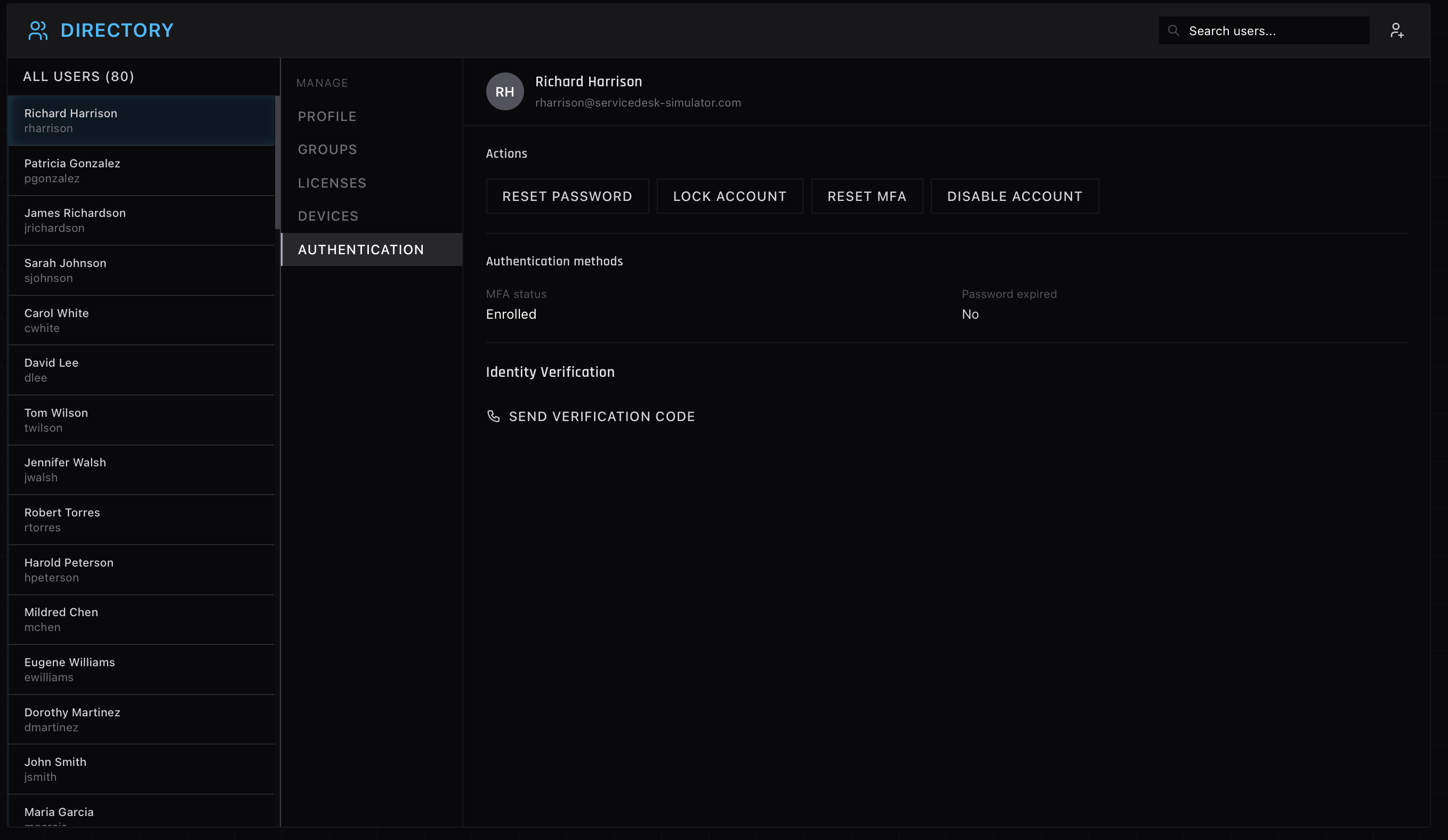
When someone is locked out of their second factor, the fix is to reset their MFA enrollment so they can set it up again on their current phone. This is where you stop and verify identity, hard. Resetting MFA for the wrong person hands an attacker the exact thing MFA was meant to block. A caller who is in a rush and cannot answer your verification questions is a caller you do not reset for, however irritated they get. Good help desks send a separate verification code or run a scripted identity check before touching it. The same caution shows up across Active Directory work in general.
Suspicious logins
MFA also surfaces attacks. When someone gets approval prompts they did not trigger, that often means their password is already out and an attacker is hammering the second factor, hoping they tap approve out of habit. Those tickets get handled differently. You reset the factor, you confirm the password gets changed, and you treat the account as compromised until proven otherwise.
Practicing the judgment, not just the clicks
The clicking part of an MFA reset takes seconds. The judgment, knowing when not to reset, is the actual skill, and you only build it by handling the calls. The authentication panel shown above is where MFA resets happen in the simulator, sitting right behind an identity check you have to clear first.