Nobody outside IT ever sees onboarding go right. The new hire sits down, the laptop works, the password works, and the whole apparatus behind that moment stays invisible. They only see it go wrong, which it does, constantly, at 9 a.m. on somebody’s very first day.
If you take a help desk job, hires and departures will be a steady share of your queue. Here is the machine you will be operating.
The onboarding chain
It starts before the person exists, technically. HR confirms a start date, and a request lands in the ticketing system: new hire, this role, this team, this date.
From there the chain runs in a practiced order. An account gets created in the directory, and group memberships get added to match the role, because access comes from groups, not from individual grants. Sales hire gets the Sales groups, and with them the shared drives, the distribution lists, the CRM. Licenses get assigned so email and Office actually work at first sign-in. If the role needs anything beyond the standard kit, approvals happen now, not on day one.
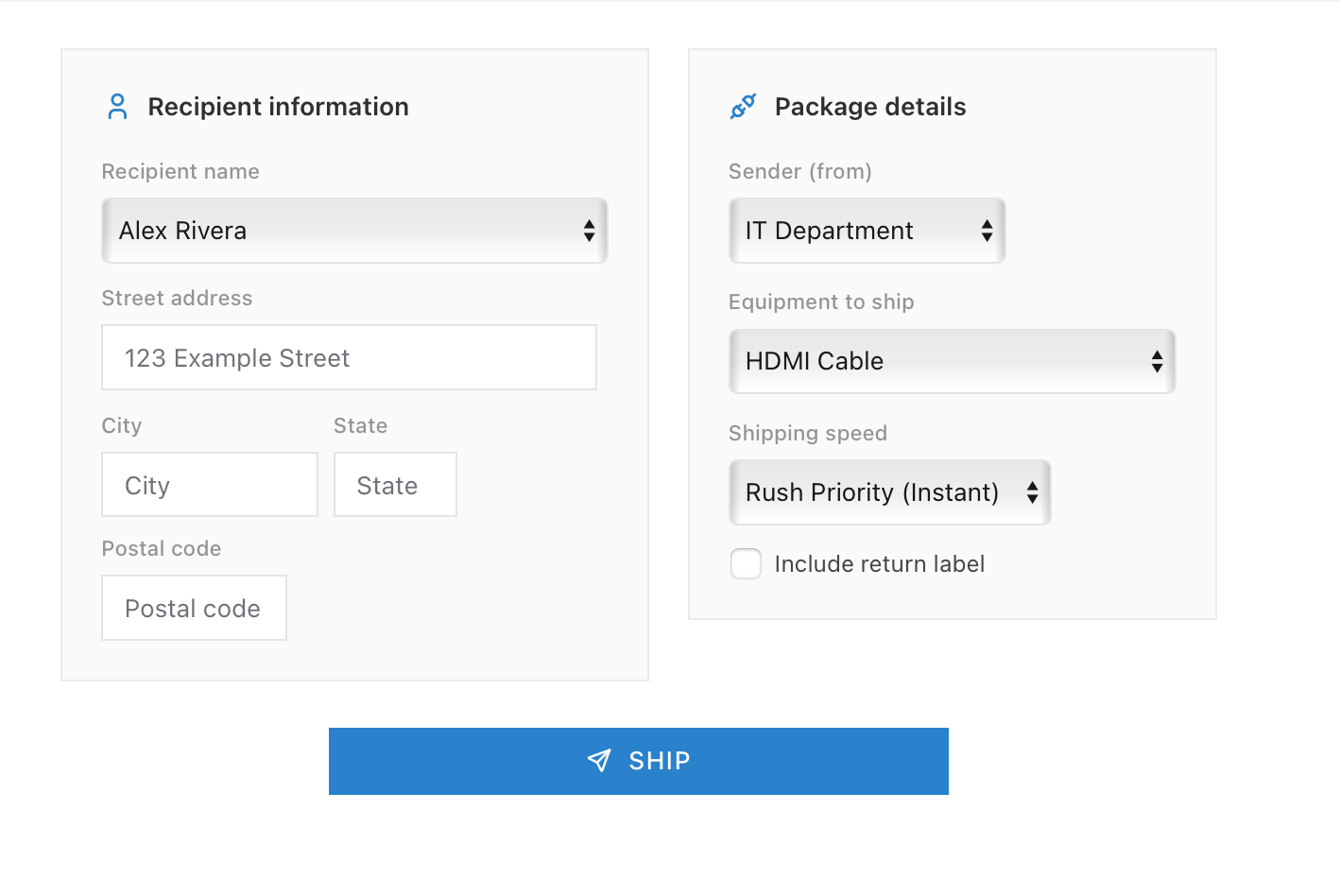
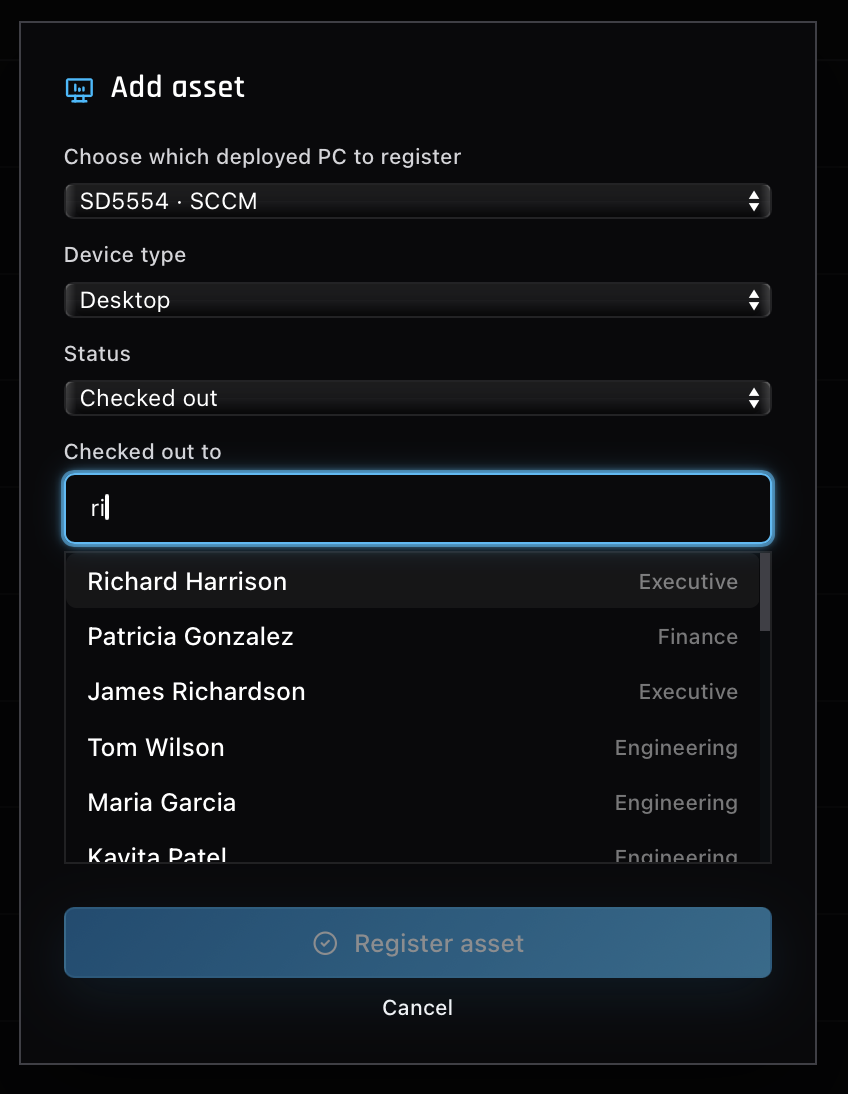
Then the physical half. A laptop comes off the shelf, and asset tracking records which serial number is about to belong to whom. The machine gets the company build, either imaged the traditional way or, in cloud-first shops, shipped sealed for the user to enroll through Autopilot on first boot. Remote hires add a shipping leg and its tracking number to the ticket.
Why day one breaks
The chain crosses HR, IT, a hiring manager, and sometimes a shipping carrier, and every handoff is a place for the ball to drop. HR submits the request three days before the start date, which is two days less than the laptop needs. The manager asks for “the same access as Sarah” without saying which of Sarah’s seventeen groups the role actually requires. The account exists but the license was never attached, so the laptop works and the email does not.
All of it surfaces the same way: a brand-new employee at a dead login screen while their new team watches. These tickets get worked with urgency not because they are technically hard, they usually are not, but because they are somebody’s first impression of the entire company. A desk that rescues day one earns goodwill that outlasts the ticket.
Offboarding is a security deadline
The reverse process has a completely different temperature. Onboarding is a service with a due date. Offboarding is a security task with a deadline, and the deadline can be “right now.”
For a friendly, planned departure, the account gets disabled on the last day, the laptop comes back for wiping and restocking, licenses return to the pool, and the mailbox and files pass to a manager for a transition window instead of being deleted. Calm, scheduled work.
For a termination, the order flips. The account gets disabled first, coordinated with HR so access dies before or exactly as the person hears the news. That sounds cold until you consider what a live account in the hands of someone who was just fired can do: mail out client lists, wipe project folders, or sit quietly as a remote login for months. Security folk call the leftovers “orphaned accounts,” and audits find them at almost every company, still enabled, belonging to people who left years ago. Every one of them is an unlocked door with nobody watching it.
This is also why the disable action deserves respect from the other direction. When a locked-out caller turns out to have a deliberately disabled account, the answer is never a quiet favor and a re-enable. It is a check on why, because that decision belonged to someone, and undoing it casually can undo a termination.
Where the practice comes from
Onboarding and offboarding are where half the topics on this blog converge: directory work, groups, licenses, assets, deployment, shipping. That makes them unusually good practice material, and unusually bad things to learn for the first time on a live employee.
The ServiceDesk Simulator runs the whole shelf-to-desk cycle as real tickets: create and configure the account, check the laptop out of inventory, image it, ship it, and handle what breaks along the way. Run that loop enough times and the day-one rescue call stops being a scramble, because you know every link in the chain that could have dropped.