
Of all the things people imagine about IT support, “spends a meaningful part of the week arranging courier pickups” is never one of them. And yet on any desk supporting remote workers, shipping is simply part of the job: laptops going out to new hires, replacements crossing paths with their broken predecessors, and a steady dribble of return boxes from people who left the company. The pandemic made this permanent. Hardware handoffs that used to happen across a desk now happen across a carrier network, and the help desk is the one holding the tracking number.
Why the help desk mails computers
Three flows generate almost all of it. Outbound to new hires, since a remote employee in another city needs a configured laptop before their first morning, and “before” is doing heavy lifting in that sentence: the machine has to be requested, prepared, and in a carrier’s hands days ahead of the start date. Swaps, when a remote user’s machine dies and the fix is a replacement going out, usually with the dead unit coming back in the same or a return box, since a laptop that will not boot cannot be fixed over a remote session no matter how good you are. And returns, when someone leaves and their equipment needs to find its way home, a flow that runs on prepaid labels and gentle persistence.
The outbound flow, step by step
A shipment starts life as a ticket, and the physical work begins at the stockroom shelf. A unit comes off inventory and the asset record gets updated first, this serial number, assigned to this person, shipped on this date. That bookkeeping feels skippable when you are busy. It is the least skippable step in the whole flow, because the moment a box goes missing, the only difference between “we lost a laptop” and “we lost asset LT-0482, last seen at the Memphis hub, access disabled at 4pm” is whether someone updated the record.
Then preparation: either the machine gets the company build imaged onto it before packing, or, in cloud-first shops, it ships factory-sealed and enrolls itself through Autopilot when the user first powers it on. Box, label, carrier pickup, and the crucial small habit: the tracking number goes into the ticket the moment it exists. A shipment without its tracking number in the ticket is invisible to every other tech, and to you in four days when the user asks where their laptop is.
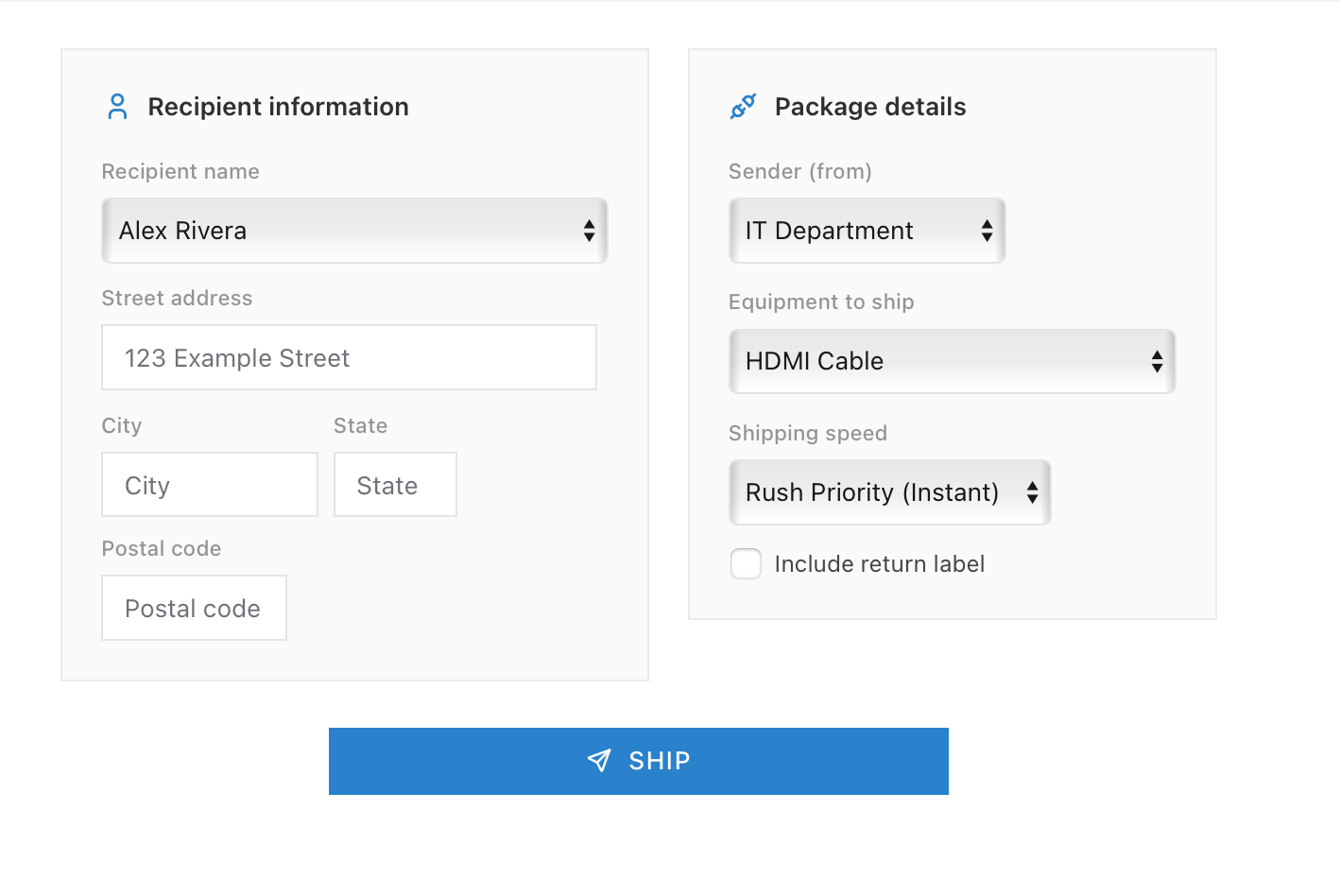
The waiting game, and what goes wrong in it
Once the box leaves, the ticket enters its strangest phase: open, active, and entirely out of your hands. Good desks make waiting look deliberate. The user knows the ETA, the ticket notes each checkpoint, and delivery day comes with a follow-up: did it arrive, does it power on, can you sign in. That last confirmation is the actual end of the ticket. Delivered, per the carrier, means a box reached a porch. It does not mean a working employee.
The failure modes are exactly the ones you would guess, which does not make them less annoying. Boxes stall in hubs. Addresses turn out to be the user’s old apartment. The box arrives and sits unopened for a week because the recipient was on vacation, while the desk stares at a delivered status and an unconfirmed ticket. Rarely, a box vanishes outright, and the response is procedural rather than dramatic: tracking history to the carrier as a claim, access for that machine disabled, asset marked lost, replacement flow started. Shipping physical objects through the physical world has a known error rate. The desk’s job is not to prevent it, which is impossible, but to make sure no failure is ever a surprise that has to be reconstructed from memory.
Returns deserve their own sentence, because the incentives are upside down: you are asking someone who no longer works for you to do you a favor involving cardboard. Prepaid label in hand before their last day, a reminder cadence after, and the asset stays flagged until the serial number is physically scanned back onto the shelf. Companies that skip the follow-up learn how many laptops “are definitely coming back” forever.
Practicing logistics without a stockroom
Shipping is one of those help desk skills that sounds too mundane to practice and then generates real tickets constantly, replacement laptops, delivery confirmations, the employee who swears nothing arrived. In ServiceDesk Simulator, hardware tickets run the whole loop: pull a machine from stock, ship it to the employee, track the delivery legs, and close only when the user actually has working hardware, including the fun where things do not go smoothly. It is the rare part of IT you can practice that also improves how you mail birthday presents.