
Buried in the A+ material, between hardware chapters, sits a numbered list called the troubleshooting methodology. Most students memorize it for the exam and assume it is filler. It is the opposite. It is the closest thing support work has to a core algorithm, and the difference between a tech who flails and a tech who closes is usually just whether the list is running in their head.
Lists are easy to nod at and hard to feel, so let us walk one real ticket through all six steps: a classic “my computer is so slow I can’t work”.
Identify the problem
The user says “slow.” That is not a problem statement, it is a mood. Step one is turning it into facts: slow since when, slow doing what, slow always or slow sometimes? You ask, and you look, at the machine’s vitals, at what changed recently, at whether “slow” means boot takes ten minutes or a spreadsheet takes four seconds to open.
Suppose the answers come back: slow for two weeks, worse every day, everything affected, and the disk is nearly full. This step is where beginners rush, and every minute skipped here is repaid at triple rate later, because a fix aimed at the wrong problem is not a fix, it is a delay with extra steps.
Establish a theory
Now you guess, but formally. Nearly full disk, gradually worsening, everything affected: probable cause, the system has no room left to breathe, and Windows performs badly when the drive runs out of working space. Notice the theory is specific enough to be wrong, which is the entire point. “Something is wrong with it” cannot be tested. “The full disk is causing this” can.
Experienced techs seem to skip this step because pattern recognition hands them the theory instantly, two weeks of symptoms compressed into a two-second hunch. That compression is earned, not skipped. On a problem they have never seen, the same techs get slow and deliberate again, which is exactly the tell of someone who trusts the method rather than their ego.
Test the theory
Cheapest test first. Free up a chunk of space, or check whether performance recovers when the disk is not gasping. If responsiveness improves, the theory holds. If nothing changes, the theory is dead, and that is fine, killing a theory cleanly is progress. Back to step two with better information: maybe it is malware, background processes, or a dying drive instead.
What you do not do is fire six fixes at once and reboot. Something might improve, and you will have no idea what, and the machine’s state is now scrambled for whoever diagnoses it next. One change, one observation. It feels slower. It is faster.
Plan and implement the solution
The theory tested out, so now the real fix, and “plan” is not padding even when the fix is small. For our ticket: what is actually eating the disk, can it be removed safely, does the user need any of it, should anything be moved to OneDrive or a share instead of deleted? On bigger fixes, planning includes timing and blast radius, which is where change thinking starts creeping in even at tier 1: fixes that touch shared systems happen on purpose, not on impulse.
Verify, fully, and prevent the rerun
The most skipped step on real desks, and the most expensive skip. Verify means the user confirms the machine is usable for their actual work, not that your cleanup tool printed a success message. Open what they open, do what they do. And then the half nobody does: preventive measures. Why was the disk full? If the answer is a recording app dumping video eternally, that gets addressed now, or this exact ticket returns in six weeks with the same name on it and less patience in it.
Document
Two minutes of notes: symptoms, cause, fix, prevention. The audience is the next tech, who might be you in six months, staring at a familiar-feeling ticket. Desks with good notes get collectively smarter every week; desks without them solve every problem for the first time forever. Your notes are also, quietly, your reputation with the tiers above you.
Making it automatic
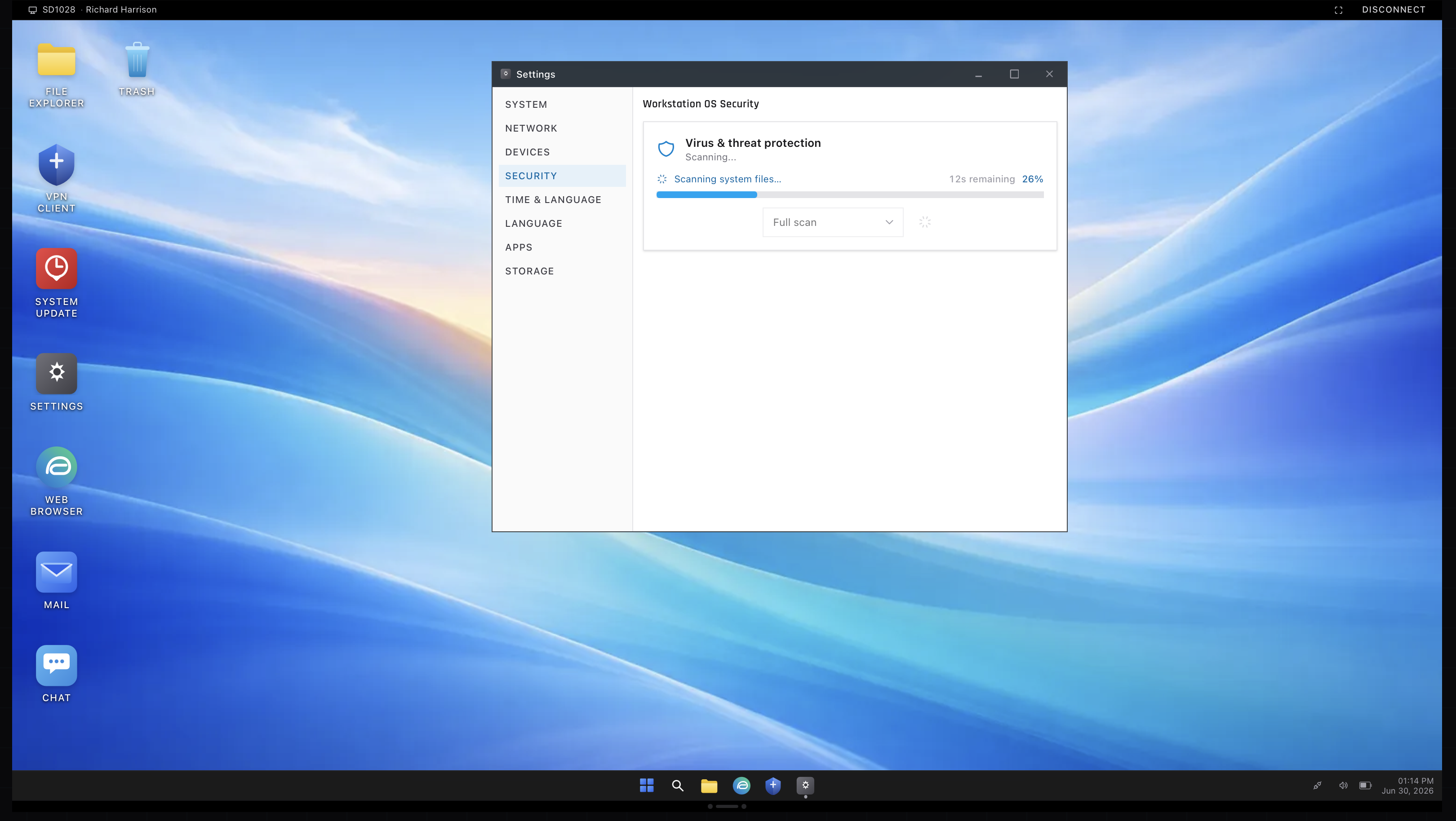
Read once, the six steps are obvious. Under pressure, with a caller sighing in your ear, the discipline evaporates unless it has been drilled, and this is one of those skills that only installs through repetition. The ServiceDesk Simulator is a place to run the loop start to finish on tickets that push back, vague symptoms, multiple plausible causes, fixes that need verifying, until the sequence stops being a list you remember and becomes the shape of how you think. That is when the flailing stops.