
Teams is where a lot of companies live now. Chat, meetings, calls, file sharing, all of it runs through one app. That makes it useful, and it also means a Teams problem can stop someone working entirely, so the tickets arrive quickly and with some urgency behind them.
What Teams actually is
Microsoft Teams bundles several things into one window. There is persistent chat, both one-to-one and in group channels. There are video meetings and calls. There is file sharing tied into the rest of Microsoft 365. Because it leans on accounts, the network, the camera and mic, and the cloud service all at once, a Teams ticket can really be a problem with any one of those, and part of the skill is working out which.
The sign-in tickets
The most common Teams call is simply not being able to get in. Usually the stored credentials went stale after a password change, or the local cache got tangled. The reliable fix is a full sign-out, clearing the Teams cache, and signing back in. It feels too simple, and it works far more often than it should.
The meeting tickets
Right behind sign-in come the meeting problems. The camera shows a black square. Nobody can hear them. Their mic picks up nothing. These point at the device and its permissions more than at Teams itself. You check that the correct camera and microphone are selected, that Windows is letting apps use them, and that the underlying drivers are healthy, which ties straight into update and driver troubleshooting.
When it is not the user
Sometimes the problem is not on the laptop at all. If several people report Teams acting up at the same moment, you are likely looking at a service-side outage, and the move is to confirm the scope and check service status rather than rebuild one person’s profile. Telling a one-user issue apart from a company-wide one early saves a lot of wasted effort, the same instinct that matters with email outages.
Practicing the calls
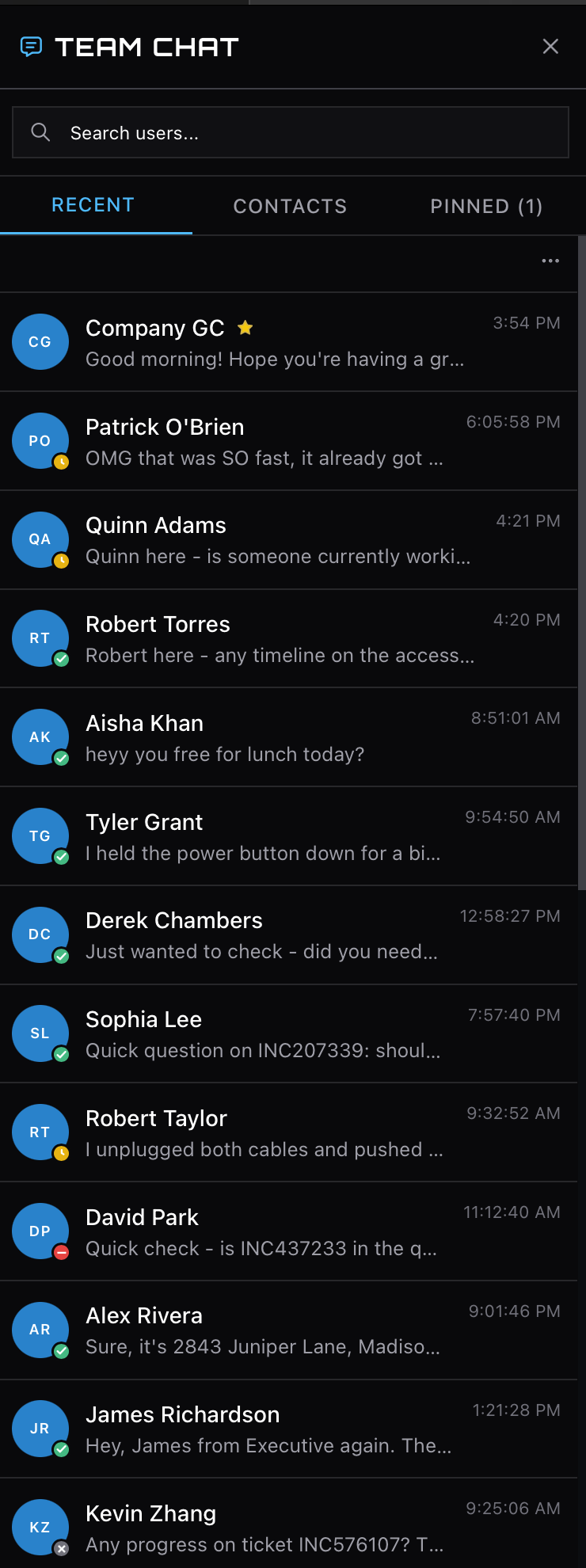
The chat panel in the simulator is where Teams problems play out, from a client that will not connect to messages that vanished after a reload. Work a few and the pattern recognition comes, which is most of what makes these quick.