
Email breaks, and when it breaks people notice within minutes. Outlook tickets are a constant on any help desk, partly because email is how the whole company runs and partly because there are so many ways for it to go wrong.
The pieces involved
Most companies run Microsoft Outlook as the app on the desktop and Microsoft Exchange, or its cloud version Exchange Online, as the server behind it. Outlook is what the user sees. Exchange is where the mail actually lives and gets routed. A lot of troubleshooting comes down to working out which side the problem is on. If one person cannot send, it is usually their Outlook or their account. If nobody can send, the server is the suspect.
The everyday tickets
The classics repeat. Outlook is stuck on “trying to connect” because the profile broke or the network dropped. A password change did not carry over, so Outlook keeps prompting for credentials. The mailbox filled up and new mail bounces. A shared mailbox or calendar will not appear. Someone deleted a folder and wants it back. None of these are exotic, and you will see each of them many times over.
When the server is the problem
Single-user email tickets are routine. A company-wide one feels different. When the mail server goes down, every mailbox stops moving at once and the calls stack up fast. Part of the job is spotting that pattern quickly, because the fix is not on any one user’s machine. It is restarting or escalating the mail server, and the sooner you recognize it the less time you waste poking at a single laptop. That often means a remote session into the server itself.
Working calmly while everyone is annoyed
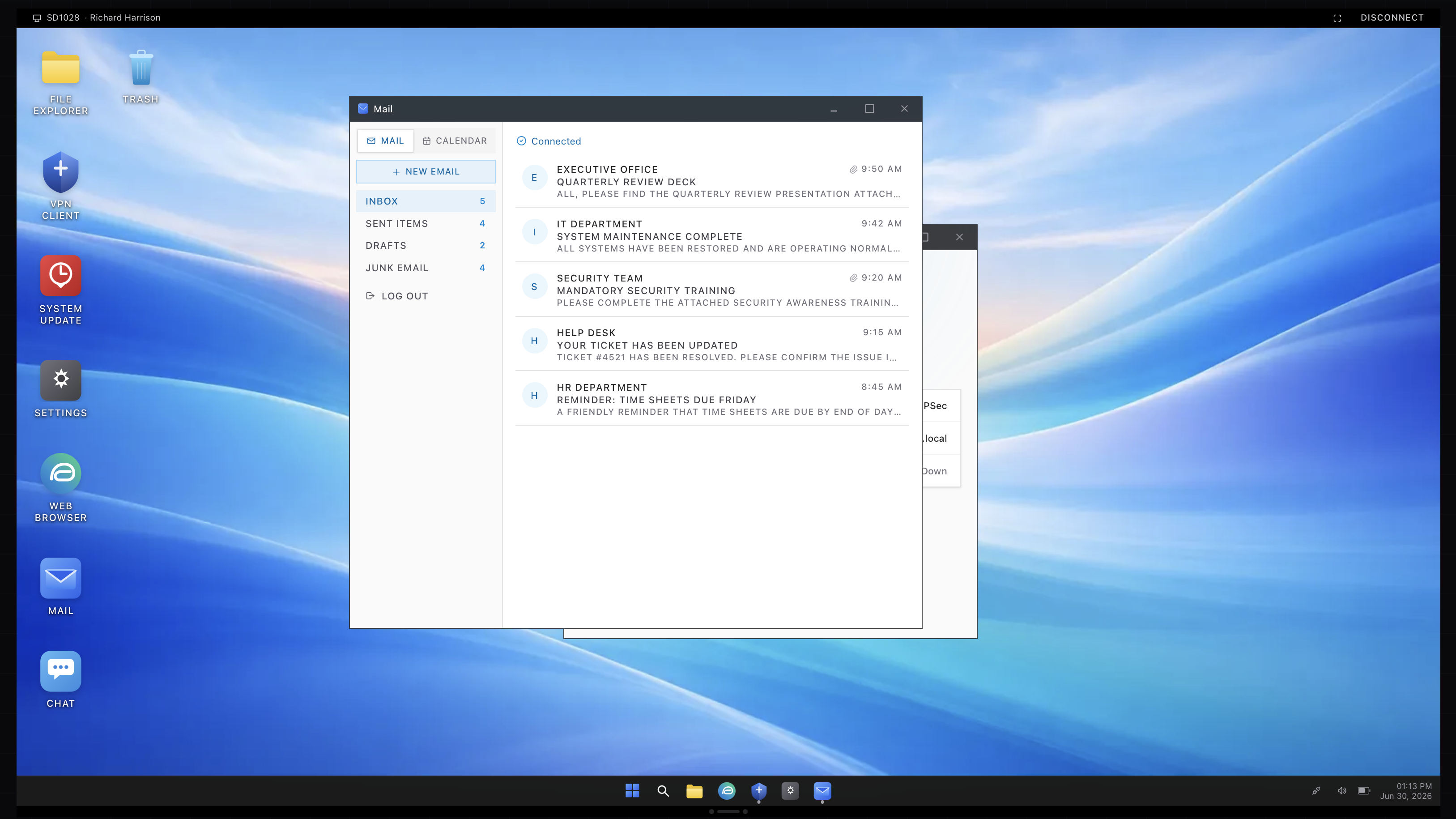
Email outages bring out the worst in callers, because the stakes feel high. A chunk of the skill is staying methodical. Confirm the scope, check whether it is one user or many, and resist the urge to start changing settings before you know which side is broken. The mail app above is from the simulator, where both flavors show up, the single broken mailbox and the downed server, so you can practice telling them apart under a bit of pressure.